
Best Bot-Free AI Meeting Note Takers in 2026: 3 Capture Options
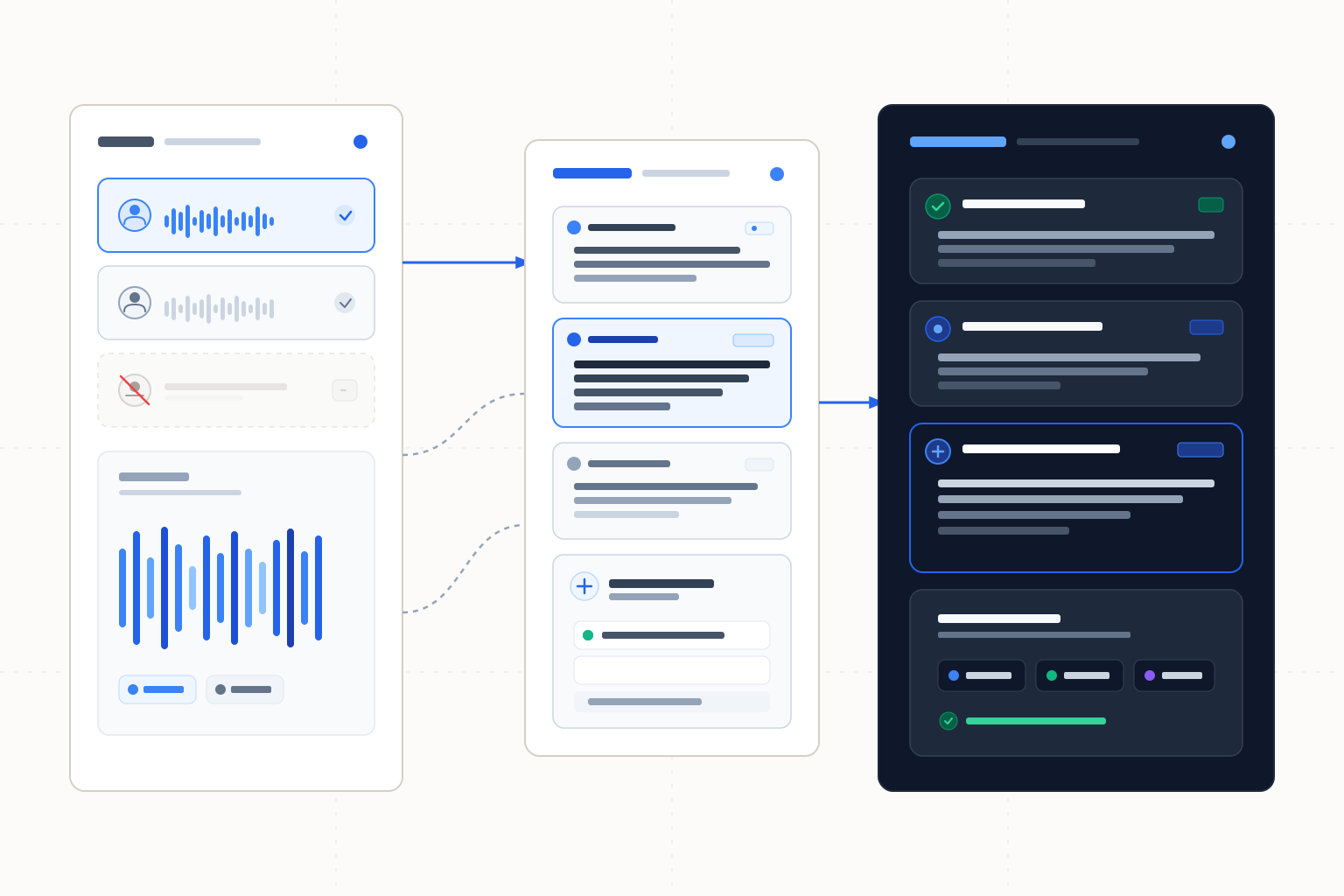
Circleback leads for explicit desktop recording controls. Krisp documents bot-free notes across calling apps, while Granola offers device-audio capture with a separate history window.
Circleback is our first choice for a documented desktop capture setup on macOS or Windows, provided you disable the bot in joining preferences. Otherwise, it may try the bot before falling back to desktop capture. Krisp is the alternative for bot-free notes across named calling apps, while Granola suits device-audio capture with a clearly stated Basic history window. These scores prioritize capture configuration and workflow scope. Bot-free recording does not establish local transcription or offline processing.
The ranking
| # | Tool | Best for | Score | Starts at |
|---|---|---|---|---|
| 1 | Circleback | Explicit microphone and computer-audio recording controls | 91/100 | Pro displays $15/user/month; Business $25/user/month. Confirm the billing commitment before purchasing. Source: Circleback pricing, checked 2026-10-26. |
| 2 | Krisp | Bot-free notes across named calling apps | 87/100 | Check current paid pricing and billing commitment for the required meeting features. Source: Krisp pricing, checked 2026-10-26. |
| 3 | Granola | Device-audio capture with a defined Basic history window | 75/100 | Confirm the current paid amount and billing commitment for longer history. Source: Granola pricing, checked 2026-10-26. |
Leaderboard Score is our editorial judgment out of 100, weighted by the criteria below. Compare scores within this ranking; different categories use different priorities.
How we score
| Criterion | Weight | What we consider |
|---|---|---|
| Capture configuration | 40% | Explicit documentation of the bot-free path, audio sources and recording controls, including settings needed to prevent bot joining. |
| Calling and device fit | 25% | Documented desktop platforms or calling-app scope, without treating an app list as proof of identical capture behavior. |
| Record and notes workflow | 20% | Documented recording context and downstream notes or summary features; no score measures transcription or summary accuracy. |
| Access and retention clarity | 15% | Published trial, price and history/storage terms, distinguishing a stated monthly amount from an unverified annual commitment. |
Tool by tool
Circleback
Best overall · Explicit microphone and computer-audio recording controlsCircleback's macOS and Windows desktop app captures microphone and computer audio without a participant bot. Microphone detection can prompt you, with optional automatic start and end.
Skip it if: You need a bot-free guarantee without configuring joining preferences.
Krisp
Bot-free notes across named calling appsKrisp documents a bot-free AI Meeting Assistant for Zoom, Teams, Google Meet and Slack Huddles, alongside other calling apps.
Skip it if: Your requirement is verified offline transcription rather than the absence of a participant bot.
Granola
Device-audio capture with a defined Basic history windowGranola documents bot-free device-audio capture and lists desktop, iOS, Android and Apple Watch apps.
Skip it if: You need confirmed identical start/stop behavior across every listed app.
Choose by use case
| If you need | Pick | Why |
|---|---|---|
| Configure microphone plus computer-audio capture on a desktop | Circleback | The guide documents both sources on macOS/Windows and explains how to disable bot joining. |
| Notes and action items across named calling apps | Krisp | The help page names the apps and the bot-free assistant's follow-up features. |
| Choose around a 30-day Basic history window | Granola | History is explicitly separated from the longer-history paid plans. |
Configure the capture path, then check it
Circleback leads for the specificity of its desktop guide. It names microphone and computer audio as capture sources on macOS and Windows, with microphone-use detection and optional automatic start/end. Those details let an owner decide how a call should be recorded before it starts.
The joining preference is consequential. If the objective is to avoid a participant bot, disable bot joining rather than assuming desktop installation is sufficient. Circleback may otherwise try the bot and use desktop capture as a fallback. Also choose audio-only if video is unnecessary; the guide says video is enabled by default.
Krisp is the alternative when the main buying question is bot-free notes across calling apps. Granola documents device-audio capture, but its app list does not settle the precise controls in every app. Check the actual device used for the meeting rather than transferring assumptions from a desktop to a phone.
Microphone input and remote voices are separate checks
A useful pre-call check includes your microphone and the remote participant's audio. Confirm the selected capture path is running, then inspect a short sample from both sides. This is a preparation recommendation, not a measured claim that any candidate captures every setup correctly.
Keep one person responsible for starting or checking capture. Automatic triggering is an option documented for Circleback, but automation still needs the intended configuration. Do not assume another participant's recording or a different app will supply missing audio later.
Bot-free does not establish where inference happens
A participant bot is one way to obtain the meeting audio. Desktop capture obtains it through the device instead. That distinction says nothing by itself about where speech is converted into text or a summary is generated.
For a workflow whose transcription must run on the device, use the local transcription comparison. Its criteria concern model execution and optional cloud paths. Neither Granola's device capture nor Krisp's bot-free assistant is described here as offline transcription.
If a call becomes source material for an episode, the podcast transcription guide covers file preparation and the difference between speaker labels and separate audio tracks. Keep that production decision separate from the live meeting capture method.
Pricing and provenance
Primary-source terms below were checked on 2026-10-26. Circleback's displayed monthly amounts do not establish an alternative annual rate or cancellation terms. Check the current plan before purchasing.
Tool | Paid access or buying guidance | Named primary source | Checked |
|---|---|---|---|
Circleback | Pro displays $15/user/month; Business $25/user/month | 2026-10-26 | |
Krisp | Confirm current paid price and meeting-feature allowance; seven-day no-card trial | 2026-10-26 | |
Granola | Confirm paid amount and billing commitment for longer history | 2026-10-26 |
Circleback Free lists 30-day meeting/recording history; Pro lists one year of recording storage and Business two years. Granola Basic lists 30 days of history, while Business/Enterprise list unlimited history. These are retention terms, not monthly recording-minute allocations. Keep the terminology attached to the plan when estimating whether older meetings will remain available.
Choose for the documented workflow
Capture configuration receives 40% of the score, calling/device fit 25%, record and notes workflow 20%, and access/retention clarity 15%. We compared official documentation rather than measuring capture reliability or summary quality. Circleback's explicit settings put it first; Krisp is the stronger personal choice when documented summaries and action items across calling apps matter most.
Review generated follow-ups against what participants actually agreed. Bot-free recording does not make a proposed task an accepted commitment. Our broader meeting note-taker guide covers recording, storage and premium-note distinctions. For a group organizing the discussion afterwards, the whiteboard comparison addresses synthesis without treating clustered notes as consensus.
Frequently asked questions
How do I prevent Circleback from trying to join with a bot?
Disable bot joining in joining preferences and use the documented desktop path. Otherwise Circleback may try the bot first and fall back to desktop capture. Check the setting before the call.
Does bot-free mean the transcript stays on my device?
No. Bot-free describes capture without a participant bot. Local transcription requires separate evidence about where the model runs; this comparison does not establish offline inference for these picks.
Does Circleback record video by default?
Its desktop guide says video is on by default, with audio-only selectable. Choose the intended recording mode before the session.
Does Granola's app list guarantee the same controls everywhere?
No identical-control guarantee is established here. Confirm the capture and start/stop workflow in the intended app. Basic's 30-day history is separate from those capture controls.
How this ranking was made
We compared the named published sources listed below, including product information and pricing. Third-party reviews inform a comparison only when cited. Scores follow the weighted criteria above. These are source-based comparisons, without hands-on testing or lab benchmarks, and no vendor paid for a position. New evidence can change a tool's score or position; Krisp ranks second under this article's criteria.
Changelog
- October 26, 2026Compared three bot-free capture workflows with recording-configuration guidance and history/storage distinctions.
Sources
- Circleback desktop audio sources, joining preferences and recording controls, checked 2026-10-26
- Circleback pricing and recording retention, checked 2026-10-26
- Krisp bot-free assistant and calling-app scope, checked 2026-10-26
- Krisp pricing and trial, checked 2026-10-26
- Granola device capture, app list and history terms, checked 2026-10-26