
Best AI Whiteboard Tools in 2026: 4 Ways to Sort Workshop Notes
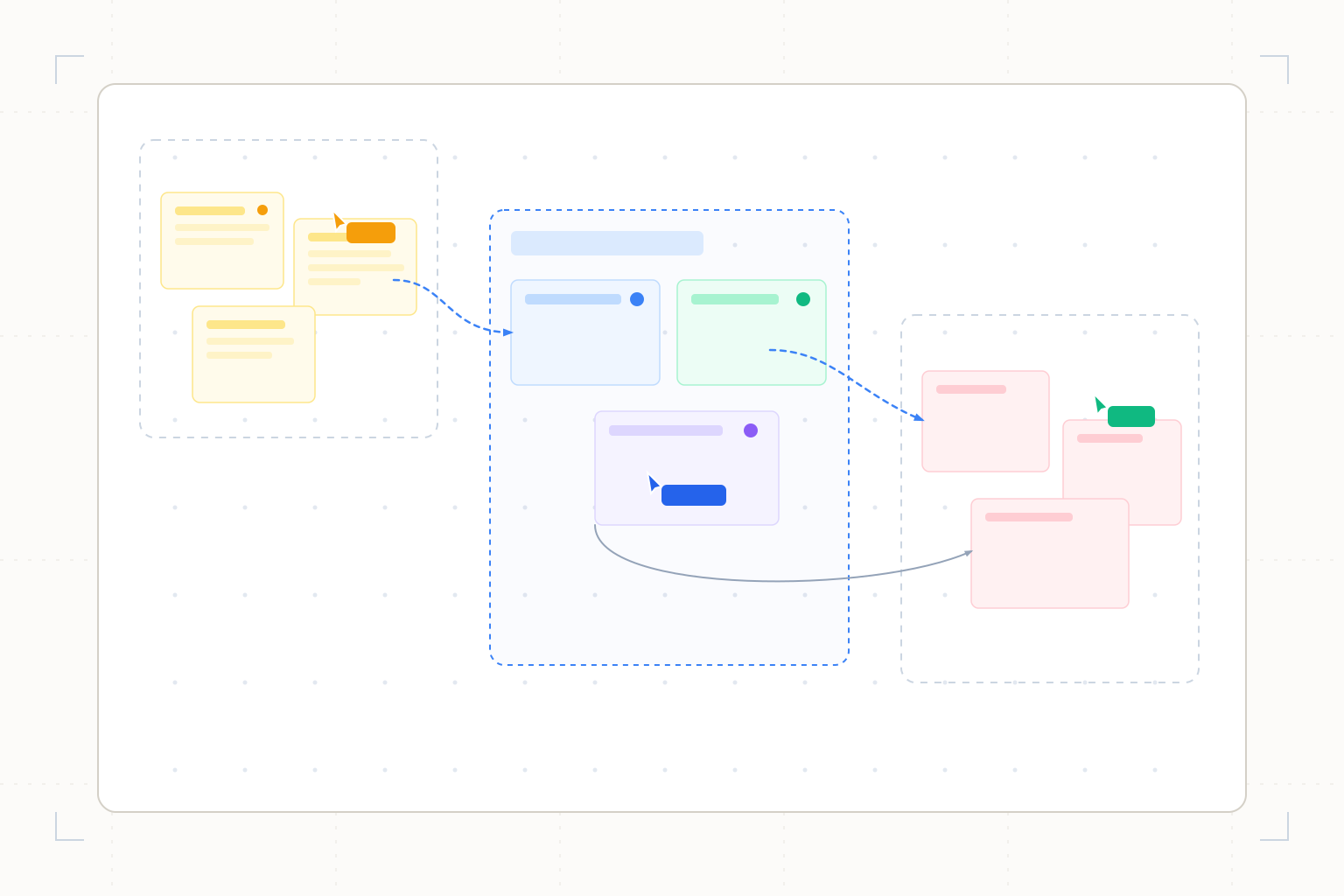
FigJam leads for reviewing a sorted copy of the original stickies. Miro suits note-to-document synthesis, Mural offers group review, and Lucidspark combines synthesis with board generation.
FigJam is our first choice for AI-assisted workshop synthesis because its sorting workflow creates a copy in a new section for manual review. Miro is the alternative when selected notes should become a document. Choose Mural for vendor-described clustering with group review, or Lucidspark for synthesis alongside brainstorm-board generation. These scores prioritize inspectable treatment of existing notes. An AI summary does not establish participant agreement, and we did not measure summary accuracy.
The ranking
| # | Tool | Best for | Score | Starts at |
|---|---|---|---|---|
| 1 | FigJam | Reviewing sorted notes without replacing the original section | 87/100 | Check the current Collab seat price and billing commitment. Source: Figma pricing, checked 2026-10-26. |
| 2 | Miro | Turning selected workshop notes into a document | 86/100 | Starter $8/member/month billed annually. Source: Miro pricing, checked 2026-10-26. |
| 3 | Mural | Reviewing proposed sticky-note clusters | 83/100 | Team+ $9.99/member/month billed annually or $12 billed monthly. Source: Mural pricing, checked 2026-10-26. |
| 4 | Lucidspark | Combining sticky-note synthesis with a generated kickoff board | 76/100 | Confirm current paid pricing and AI terms before purchasing. Source: Lucid AI help, checked 2026-10-26. |
Leaderboard Score is our editorial judgment out of 100, weighted by the criteria below. Compare scores within this ranking; different categories use different priorities.
How we score
| Criterion | Weight | What we consider |
|---|---|---|
| Existing-note synthesis | 35% | Documented sorting and summarization of selected workshop material, rather than only generating a blank-session starting board. |
| Inspectable grouping | 30% | Explicit copies, manual adjustment or group-review steps that let a facilitator challenge the AI's organization. No score measures actual consensus. |
| Continuing the board work | 20% | Documented routes from synthesis to revised board content, documents or further workshop activity, including editing restrictions. |
| Access and plan clarity | 15% | Published entitlement, billing and usage rules, accounting for permission requirements, pooled credits and Beta conditions. |
Tool by tool
FigJam
Best overall · Reviewing sorted notes without replacing the original sectionFigJam AI sorts selected stickies by topic or properties such as author, creating a copy in a new section that you can adjust manually.
Skip it if: You need these AI synthesis actions on a free plan.
Miro
Turning selected workshop notes into a documentMiro AI clusters selected stickies by keyword or sentiment and summarizes the selection into a document.
Skip it if: Each facilitator needs an independently allocated AI budget.
Mural
Reviewing proposed sticky-note clustersMural describes selecting stickies and reviewing proposed AI groups, with options to accept, discard or refine the grouping.
Skip it if: Your workshop must use AI clustering without a paid subscription.
Lucidspark
Combining sticky-note synthesis with a generated kickoff boardLucid AI sorts selected stickies into categories, summarizes selected content and generates brainstorm or kickoff boards in Lucidspark.
Skip it if: You require settled long-term AI pricing or documented support beyond the stated English optimization.
Choose by use case
| If you need | Pick | Why |
|---|---|---|
| Keep the original section beside an AI-sorted copy | FigJam | Sorting explicitly creates a new section and permits manual adjustment. |
| Summarize a selected group of notes into a document | Miro | The sticky-note workflow documents that output directly. |
| Review proposed groups before accepting them | Mural | The vendor describes a review-and-refine clustering workflow. |
| Prepare a kickoff board and later summarize its notes | Lucidspark | Its documented AI scope includes both board generation and selected-content synthesis. |
Preserve the discussion before sorting it
FigJam leads this comparison for a specific reason: sorting creates a copy in a new section. That gives the facilitator a visible original to revisit when a category looks wrong. Miro follows for its selected-note clustering and document output. Mural's described group-review step is useful when the team wants to challenge the proposed organization. Lucidspark covers a broader session cycle, including preparing a kickoff board.
Keep an untouched section of raw notes before running synthesis in any tool. That is a facilitation practice, not a claim that every product automatically preserves the original. Retain attribution where appropriate and distinguish participants' words from later paraphrases.
A cluster is not a vote
Suppose twelve onboarding notes mention account setup, while one reports a serious billing problem. A summary organized around the largest cluster might give the billing issue little space. That does not make it unimportant. Ask participants to check the proposed themes and explicitly surface outliers before deciding priorities.
Sorting by author, color or stamps in FigJam answers a different question from sorting by topic. Miro's sentiment grouping offers another lens, but an inferred sentiment should not replace what a participant actually said. Name the lens used when sharing the result. Do not present a generated theme title as a phrase the whole group approved.
Record decisions separately after review: what was agreed, who owns the next action and which questions remain open. If the group has not agreed, say so. A concise AI summary is not evidence of consensus.
Check the next editing step
FigJam's summary text cannot be edited in place. Its help instructs users to copy the text into a shape for revisions. Budget that step into the session rather than discovering it during a readout. Miro's documented summary becomes a document; keep it associated with the selection it summarizes.
When the outcome is a maintained process, move the approved steps into a suitable diagram workflow. Our AI flowchart comparison covers branch editing. For exploratory topic hierarchies, the mind mapping guide addresses parent-child organization rather than workshop synthesis.
Pricing and source checks
These primary-source terms were checked on 2026-10-26. Confirm access with the facilitator's account before the meeting, including edit permissions. FigJam's zero-credit synthesis actions still require the documented paid-plan access.
Tool | Paid access or buying guidance | Named primary source | Checked |
|---|---|---|---|
FigJam | Confirm current Collab seat amount and billing commitment | 2026-10-26 | |
Miro | Starter $8/member/month billed annually | 2026-10-26 | |
Mural | Team+ $9.99/member/month annually or $12 monthly; AI on paid tiers | 2026-10-26 | |
Lucidspark | Confirm current price and Beta AI terms | 2026-10-26 |
Miro's credit pool belongs to the team and resets without rollover. A board cap is a separate constraint. Mural's three free murals do not include its paid AI entitlement, while Lucidspark's current Beta access should not be treated as a permanent pricing promise.
How we chose the order
Existing-note synthesis receives 35% of the score, inspectable grouping 30%, continuing board work 20%, and access clarity 15%. These are editorial fit scores from vendor documentation, not measured summary quality. FigJam's documented copied section puts it narrowly ahead; Miro becomes the stronger personal choice when a document is the required outcome.
Once the team approves the findings, use the infographic comparison to choose a shareable visual. If the workshop concerns a funding story, the pitch deck guide explains which company facts must accompany that story.
Frequently asked questions
Which AI whiteboard keeps the original notes available during sorting?
FigJam explicitly creates a sorted copy in a new section. For every tool, retain an untouched raw-note section as a working practice and compare important summaries against it.
Does an AI-generated workshop summary show that everyone agreed?
No. Ask participants to approve decisions separately and preserve dissent or unresolved questions. Frequency of similar notes does not establish priority or agreement.
Why can I not edit a FigJam AI summary directly?
The documented summary is a board object whose text is not editable in place. Copy the text into a shape to revise it. Sorting results can be manually adjusted separately.
Are FigJam synthesis actions free?
Sort and summarize currently cost zero AI credits, but the documented availability still requires a paid plan and can-edit permission. Zero credit cost does not mean free-plan entitlement.
How this ranking was made
We compared the named published sources listed below, including product information and pricing. Third-party reviews inform a comparison only when cited. Scores follow the weighted criteria above. These are source-based comparisons, without hands-on testing or lab benchmarks, and no vendor paid for a position. New evidence can change a tool's score or position; Miro ranks second under this article's criteria.
Changelog
- October 26, 2026Compared four AI whiteboard synthesis workflows, with raw-note review guidance and current access terms.
Sources
- FigJam sorting copies and summary editing, checked 2026-10-26
- Figma AI credits and synthesis access, checked 2026-10-26
- Figma seat pricing, checked 2026-10-26
- Miro AI with sticky notes, checked 2026-10-26
- Miro pooled AI credits, checked 2026-10-26
- Miro pricing, checked 2026-10-26
- Mural vendor-described AI clustering, checked 2026-10-26
- Mural pricing and AI entitlement, checked 2026-10-26
- Lucidspark AI synthesis and Beta access, checked 2026-10-26