
Best AI Podcast Transcription Tools in 2026: 3 Production Workflows
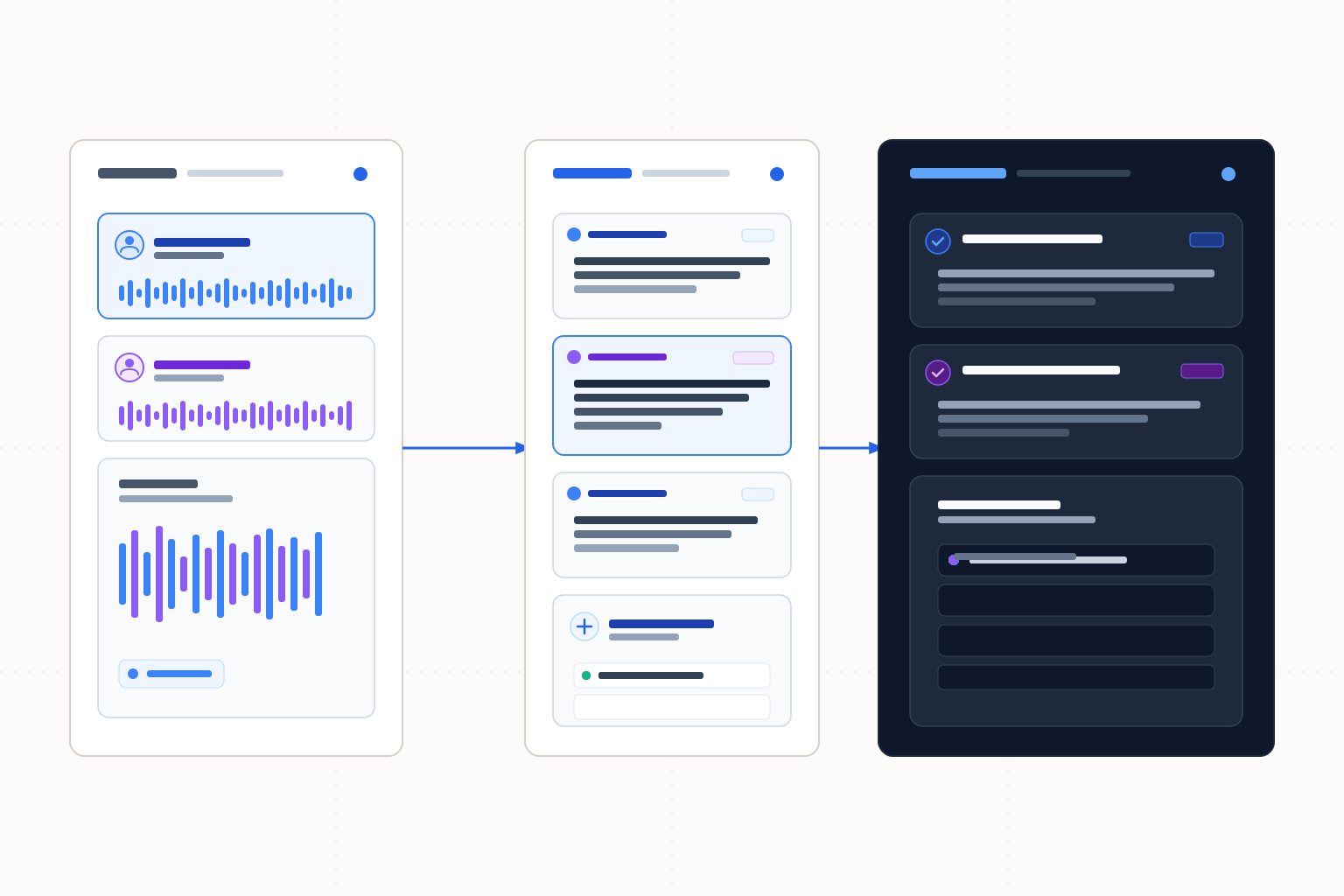
Sonix leads for transcript editing and explicit caption exports. Descript keeps multiple tracks aligned during edits; Castmagic suits episode-to-content handoff.
Sonix is our first choice when the deliverable is a reviewed transcript or caption file: it documents a browser editor, speaker labels, timestamps and explicit export formats. Choose Descript for aligned-track episode editing, or Castmagic for show notes and related content, with library capacity that should not be read as monthly hours. Scores compare documented workflows, not transcription accuracy. Descript's sequences maintain multiple tracks; speaker labels alone do not create separate audio sources.
The ranking
| # | Tool | Best for | Score | Starts at |
|---|---|---|---|---|
| 1 | Sonix | Reviewing a transcript and delivering captions or document text | 84/100 | USD $10/audio hour pay-as-you-go; Core $25/month or $275/year, with transcription charges to confirm. Source: Sonix pricing, checked 2026-10-26. |
| 2 | Descript | Keeping separate episode tracks aligned during edits | 82/100 | Confirm current paid pricing for the required file-size tier. Source: Descript supported-file help, checked 2026-10-26. |
| 3 | Castmagic | Turning a recorded episode into show notes and supporting content | 80/100 | Annual totals: Hobby $239, Starter $579, Team $1,669. Source: Castmagic pricing, checked 2026-10-26. |
Leaderboard Score is our editorial judgment out of 100, weighted by the criteria below. Compare scores within this ranking; different categories use different priorities.
How we score
| Criterion | Weight | What we consider |
|---|---|---|
| Transcript and caption handoff | 35% | Explicit editing and delivery routes for a reviewed transcript or captions, without inferring formats or synchronized tracks from generic editing claims. |
| Recording preparation | 25% | Documented file, channel or capacity boundaries that help prepare episode media before processing. |
| Episode follow-through | 25% | Documented routes to reviewed text or supporting episode content, distinguishing transcript delivery from show-note generation. |
| Usage and price clarity | 15% | Published usage units and billing, accounting for library capacity, file caps and unverified subscription-hour entitlements. |
Tool by tool
Sonix
Best overall · Reviewing a transcript and delivering captions or document textSonix documents an in-browser transcript editor with speaker labels and timestamps, plus SRT/VTT and DOCX/PDF/TXT exports.
Skip it if: Your purchase requires confirmed included hours without checking plan terms.
Descript
Keeping separate episode tracks aligned during editsDescript sequences keep multiple tracks aligned. Edits from the composition script or timeline apply across those tracks.
Skip it if: You expect an imported three-or-more-channel file to retain those channels without preparation.
Castmagic
Turning a recorded episode into show notes and supporting contentCastmagic documents long-form audio-to-show-notes and summaries, with timestamps, playback, editing/collaboration and media clipping.
Skip it if: You need a guaranteed monthly replenishment of the listed library hours.
Choose by use case
| If you need | Pick | Why |
|---|---|---|
| Deliver a reviewed transcript or SRT/VTT captions | Sonix | The browser editor and those exports are explicitly documented. |
| Produce show notes and supporting content from long-form audio | Castmagic | Those outputs, playback and media clipping are listed in the product's pricing workflow. |
| Edit across aligned episode tracks and adjust one track separately | Descript | Composition edits apply across sequence tracks; individual adjustments belong in the Sequence Editor. |
Decide what leaves the transcription workflow
Sonix leads for a concrete transcript handoff: a browser editor, speaker labels and named document/caption formats. Descript suits editing an episode with multiple aligned source tracks. Castmagic is the alternative when the production task extends into show notes and supporting content.
Start with the deliverable. A reader needs a corrected transcript; a video player needs timed captions; a producer might need an episode summary with references. Those outputs overlap in content but are not interchangeable. Confirm the required format before spending time correcting a draft in the wrong workflow.
Preserve channel separation before import
Speaker labels identify voices in text. They do not give an editor independent audio tracks or establish that overlapping voices can be isolated. Keep the original channel-separated recording when it exists, even if the first transcription uses a combined mix.
Descript documents downmixing files with three or more audio channels to stereo. Its guidance is to split into mono tracks first when separate channels are needed. Retain the unmodified original and keep the derived files aligned so the production editor can identify their relationship.
Descript's sequences keep multiple tracks aligned. Edits made from the composition script or timeline apply across the tracks; use the Sequence Editor for individual-track adjustments. That addresses coordinated production edits. Sonix's documented speaker labels instead identify voices in transcript text and should not be treated as independently editable audio sources.
Descript lists WAV, MP3, AIFF, M4A, FLAC, OPUS and AAC; OGG and WMA are unsupported. Its file-size caps are 1 GB on Free, 10 GB on Hobbyist, 20 GB on Creator and 50 GB on Business. A file-size cap is not a monthly transcription-minute allowance. The documented Sonix and Castmagic workflows here do not establish equivalent multichannel behavior.
Review the episode facts and time references
Use playback to check names and quoted figures before publishing the transcript or show notes. In an illustrative interview, a guest saying “we started in 2019” should not become “2018” in the summary, even if the surrounding paragraph reads plausibly. Keep uncertainty marked until the producer resolves it.
Check a timestamp against the recording version that will actually be released. Removing an introduction changes where later material begins; a reference prepared against the raw interview may no longer point to the intended passage. Sonix's timestamped editor and Castmagic's playback/timestamps support documented review contexts, not guarantees that a final production edit is reflected automatically.
Castmagic lists summaries and show-note generation alongside editing/collaboration and clipping. That does not establish a particular native transcript editor, speaker-label workflow or exact caption export. Ask for the specific output needed rather than treating every AI content output as a ready-to-publish transcript.
Pricing and provenance
Primary-source terms below were checked on 2026-10-26. Sonix prices are stated in USD. Castmagic annual totals are quoted directly; no conflicting monthly equivalents are used.
Tool | Paid access or buying guidance | Named primary source | Checked |
|---|---|---|---|
Sonix | $10/audio hour pay-as-you-go; Core $25/month or $275/year; confirm included hours/usage charges | 2026-10-26 | |
Castmagic | Annual totals: Hobby $239; Starter $579; Team $1,669 | 2026-10-26 | |
Descript | Confirm paid amount for the file-size tier needed | 2026-10-26 |
Sonix offers 30 free minutes without a card. Its Core subscription amount alone does not settle how transcription is charged. Castmagic Hobby lists a 30-hour transcription library, 50 GB storage and a 10 GB file cap; Starter lists 100 library hours and Team 400. Treat library hours as capacity, not a promised monthly refill.
How we chose the order
Transcript/caption handoff receives 35%, recording preparation and episode follow-through 25% each, and usage/price clarity 15%. These are documented-fit scores, not accuracy or speed measurements. Sonix's explicit editor and exports put it first. Descript follows for verified aligned-track editing, while its exact transcript exports and current paid pricing still need confirmation. Castmagic is the stronger personal choice for show-note production.
For inference on your own device, see the local transcription comparison. If the source is a remote interview, the bot-free capture guide covers recording configuration. Reviewed episode findings that become a talk or briefing belong in the document-to-presentation guide.
Frequently asked questions
Do speaker labels mean I have separate audio tracks?
No. Labels organize transcript text. Descript sequences keep multiple source tracks aligned during composition edits, with individual adjustments in the Sequence Editor. Preserve separate audio at the source when needed.
Does Sonix Core include transcription hours in the subscription price?
The verified subscription amount alone does not establish included hours or waive usage charges. Confirm the applicable transcription terms before estimating a season's cost.
Are Castmagic's library hours renewed monthly?
No monthly refill is established here. The listed hours describe transcription library capacity; Hobby lists 30, Starter 100 and Team 400. Plan around the library and storage terms.
What happens to a file with three or more audio channels in Descript?
The supported-file guide says it is downmixed to stereo. Split into mono sources first when separate channels are required, and preserve the original.
How this ranking was made
We compared the named published sources listed below, including product information and pricing. Third-party reviews inform a comparison only when cited. Scores follow the weighted criteria above. These are source-based comparisons, without hands-on testing or lab benchmarks, and no vendor paid for a position. New evidence can change a tool's score or position; Descript ranks second under this article's criteria.
Changelog
- October 26, 2026Compared three podcast transcription workflows, including Descript's aligned-track editing, transcript handoff and library-capacity distinctions.
Sources
- Sonix transcript editor, exports, usage pricing and trial, checked 2026-10-26
- Castmagic episode-content workflow, annual totals and library limits, checked 2026-10-26
- Descript media formats, channel downmixing and file-size caps, checked 2026-10-26
- Descript aligned sequences, composition edits and Sequence Editor, checked 2026-10-26