
Best AI Meeting Note Takers in 2026: 4 Capture Workflows Compared
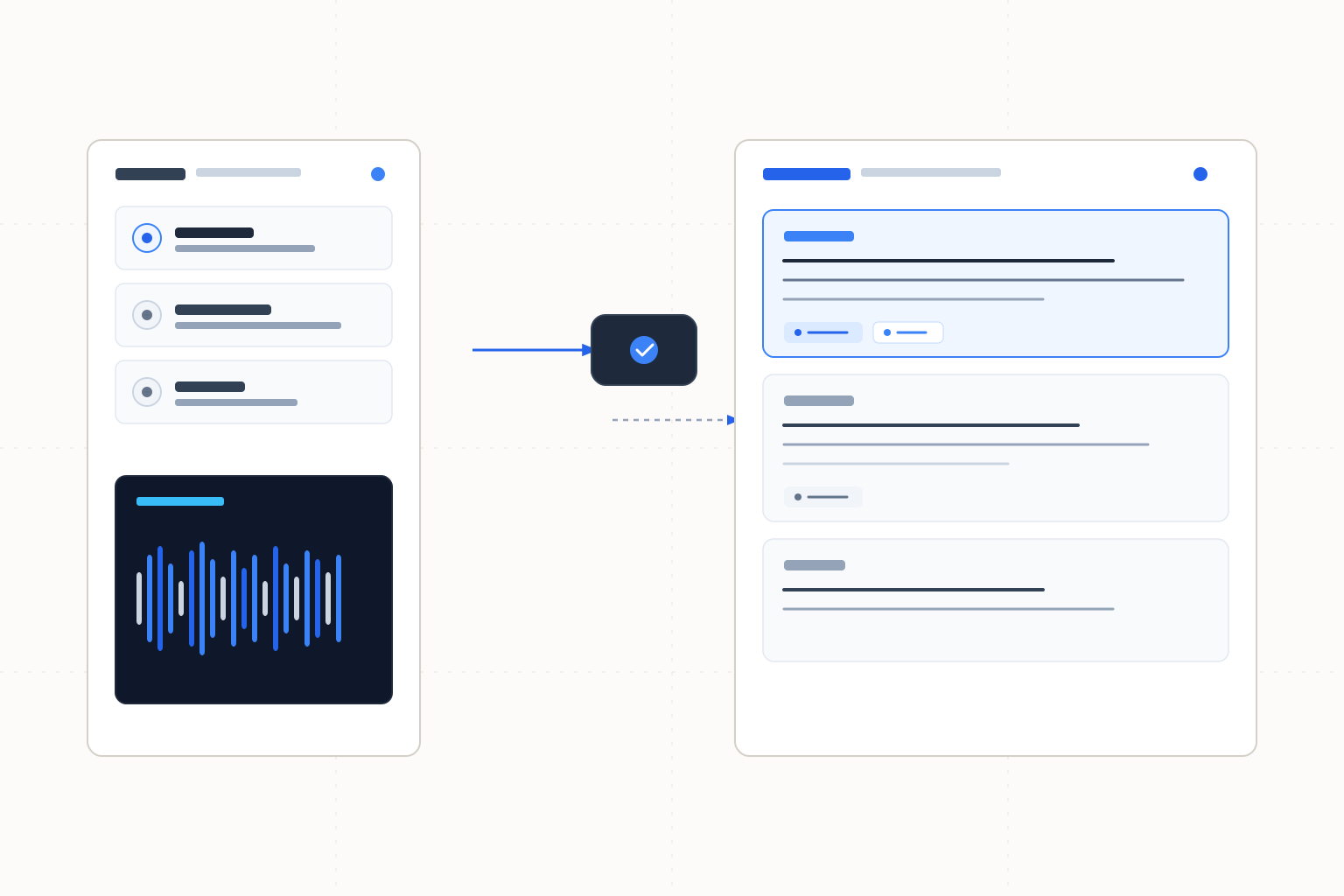
Fathom leads for clearly documented recording and transcription access. Otter adds named-platform bot capture, Fireflies offers a Meet extension route, and Granola uses device audio.
Fathom is our first choice for recording and transcription access with clear paid upgrade terms; its bot-free capture is a Mac Beta, not a universal mode. Otter suits live transcription and summaries with a bot for Zoom, Teams or Google Meet. Fireflies offers bot capture plus a Chrome-extension route without its bot, while Granola suits device-audio capture with speaker tagging. These scores compare documented workflows and limits, not transcription accuracy. Check the capture path and summary entitlement separately.
The ranking
| # | Tool | Best for | Score | Starts at |
|---|---|---|---|---|
| 1 | Fathom | Recording and transcription with a clearly priced upgrade | 92/100 | Individual Premium $20/month or $16/month billed annually. Source: Fathom pricing, checked 2026-10-26. |
| 2 | Otter | Live transcription with named meeting-platform bot support | 85/100 | Free available; confirm current paid pricing and required conversation limits. Source: Otter pricing, checked 2026-10-26. |
| 3 | Fireflies | Choosing between a meeting bot and a Meet-extension workflow | 83/100 | Free available; confirm current paid pricing and storage requirements. Source: Fireflies pricing, checked 2026-10-26. |
| 4 | Granola | Device-audio capture with speaker tagging | 79/100 | Check current paid amount and billing commitment for longer history. Source: Granola pricing, checked 2026-10-26. |
Leaderboard Score is our editorial judgment out of 100, weighted by the criteria below. Compare scores within this ranking; different categories use different priorities.
How we score
| Criterion | Weight | What we consider |
|---|---|---|
| Meeting record workflow | 35% | Documented transcription, summaries or speaker context and the plan gates for moving from a captured meeting to follow-up notes. No accuracy is measured. |
| Capture choice | 30% | Explicit bot, browser-extension or device-audio routes, accounting for platform and Beta restrictions without inferring universal availability. |
| Limit clarity | 20% | Clear distinctions among recording allowances, storage, history and premium-note features, with credit for usable published boundaries. |
| Buying clarity | 15% | Published billing and upgrade terms for continued individual use; unknown prices do not imply custom-quote sales. |
Tool by tool
Fathom
Best overall · Recording and transcription with a clearly priced upgradeFathom lists Free recordings and transcriptions without a recording-count limit, alongside bot capture and bot-free capture in Mac Beta.
Skip it if: You require the documented bot-free workflow on a non-Mac device.
Otter
Live transcription with named meeting-platform bot supportOtter lists a Notetaker bot for Zoom, Microsoft Teams and Google Meet, with live transcription, summaries and action items.
Skip it if: Your free workflow requires conversations longer than 30 minutes.
Fireflies
Choosing between a meeting bot and a Meet-extension workflowFireflies documents bot capture for major meeting platforms and a Chrome-extension route without the Fireflies bot.
Skip it if: Your retained meeting record will exceed the Free storage allocation without an upgrade.
Granola
Device-audio capture with speaker taggingGranola documents bot-free device-audio capture and speaker tagging, with desktop and mobile apps including iOS and Android.
Skip it if: Your Basic workflow needs access to meeting history beyond 30 days.
Choose by use case
| If you need | Pick | Why |
|---|---|---|
| A free core recording/transcription workflow with a priced upgrade | Fathom | The pricing page distinguishes the core record from advanced summaries and paid action items. |
| A bot documented for Zoom, Teams or Google Meet | Otter | Those platforms are explicitly named alongside live transcription. |
| A Meet-extension route without the vendor's bot | Fireflies | The documented extension workflow provides that capture choice. |
| Device-audio capture and speaker tagging | Granola | Both are explicitly listed, with Basic's history window separately stated. |
Choose the capture path before the summary style
Fathom leads this comparison for its documented core record and clearly priced individual upgrade. Otter follows for live transcription and a bot explicitly listed for Zoom, Teams and Google Meet. Fireflies offers a second route through its Meet extension. Granola is the shortlist choice when device-audio capture is the priority.
Bot capture, an extension and device audio impose different working dependencies. Before an important call, confirm the capture method on the device and account you will actually use. Decide who starts capture and checks it is running. Fathom's bot-free mode is a Mac Beta. Fireflies' extension route is not a claim of universal browser capture. Granola's listed apps establish device options, not proof that every setup captures the same material.
Separate the record from the follow-up
A transcript, a summary and an action list serve different purposes. Fathom's Free recording/transcription access does not include every advanced summary feature, and AI action items are listed on paid plans. Otter lists live transcription and summaries with action items, but plan limits still matter. Select the product and tier for the artifact you need after the call.
Review named owners and deadlines before sharing follow-ups. In an illustrative call, “we could ask Priya to investigate next week” is a suggestion, not Priya accepting an assignment. A summary that turns it into “Priya will deliver Friday” changes the commitment. Check the record and confirm with the participant instead of treating the generated wording as approval.
Preserve unresolved questions in the notes. If a discussion moves onto a board, the whiteboard guide explains why clustering ideas does not establish consensus. A concise readout should still show what remains undecided.
Minutes, storage and history constrain different work
Otter Basic supplies 300 meeting/recording minutes per user each month but caps a conversation at 30 minutes. Its three file imports are lifetime imports. Having monthly minutes left does not remove the conversation cap or replenish file imports.
Fireflies Free's 400 minutes is a storage allocation per user. It is not 400 new recording minutes every month. The usage guide lists no monthly upload rate limit for live bot, Meet-extension or mobile recordings; that does not remove the storage constraint or establish the same rule for every file-upload route.
Granola Basic's 30-day history answers how far back the record remains available. It does not specify how many minutes you can record. For a project that needs older meeting context, confirm the longer-history plan and billing commitment before relying on Basic.
Pricing and provenance
These primary-source terms were checked on 2026-10-26. Fathom's individual Premium price is the verified numeric paid quote used here; consult the linked current pages for other paid amounts. Dollar figures follow the published pricing.
Tool | Paid entry or buying guidance | Named primary source | Checked |
|---|---|---|---|
Fathom | Individual Premium $20/month or $16/month billed annually | 2026-10-26 | |
Otter | Free Basic; confirm paid amount and conversation cap | 2026-10-26 | |
Fireflies | Free with 400 storage minutes/user; confirm paid storage and price | 2026-10-26 | |
Granola | Basic 30-day history; confirm paid amount and billing for longer history | 2026-10-26 |
A published unlimited recording or history claim describes the vendor's plan terms. We did not measure sustained capture capacity. Check premium summary entitlement separately from the core recording terms, and distinguish an annual-billed monthly equivalent from monthly billing.
How the ranking was assigned
Meeting record workflow receives 35%, capture choice 30%, limit clarity 20%, and buying clarity 15%. The scores reflect documented fit and purchase boundaries, not comparative transcription accuracy. Fathom's broad core record and explicit paid terms put it first. Choose Granola ahead of that order when device-audio capture is the deciding requirement.
Before turning reviewed notes into a deck, use the document-to-presentation comparison to decide whether the narrative should be rebuilt or its structure retained. The Google Slides guide covers assistants for the team maintaining that presentation inside Slides.
Frequently asked questions
Is Fireflies Free's 400 minutes a monthly recording allowance?
No. It is storage per user. The usage guide separately describes capture routes without a monthly upload rate limit; that does not remove storage constraints or establish identical rules for every file-upload path.
Does Granola's 30-day history limit recording length?
It describes the Basic history window, not a recording-minute cap. Confirm longer-history plan terms when you need access to older meeting context.
Can I use Fathom without a meeting bot?
Fathom documents bot-free capture in Mac Beta. Do not assume that mode is available on every device. Its pricing page also lists bot capture.
Does a generated action item mean the participant agreed to it?
No. Check the wording against the meeting record and confirm the owner and deadline. Preserve suggestions and unresolved questions as such until participants approve them.
How this ranking was made
We compared the named published sources listed below, including product information and pricing. Third-party reviews inform a comparison only when cited. Scores follow the weighted criteria above. These are source-based comparisons, without hands-on testing or lab benchmarks, and no vendor paid for a position. New evidence can change a tool's score or position; Otter ranks second under this article's criteria.
Changelog
- October 26, 2026Compared four meeting capture workflows with recording, storage, history and premium-summary distinctions.
Sources
- Fathom capture, summary entitlements and individual pricing, checked 2026-10-26
- Otter capture platforms and Basic limits, checked 2026-10-26
- Fireflies capture routes and current pricing, checked 2026-10-26
- Fireflies transcription, storage and rate-limit distinctions, checked 2026-10-26
- Granola device capture, speaker tagging and history plans, checked 2026-10-26