Best AI PDF Chat Tools with Citations in 2026
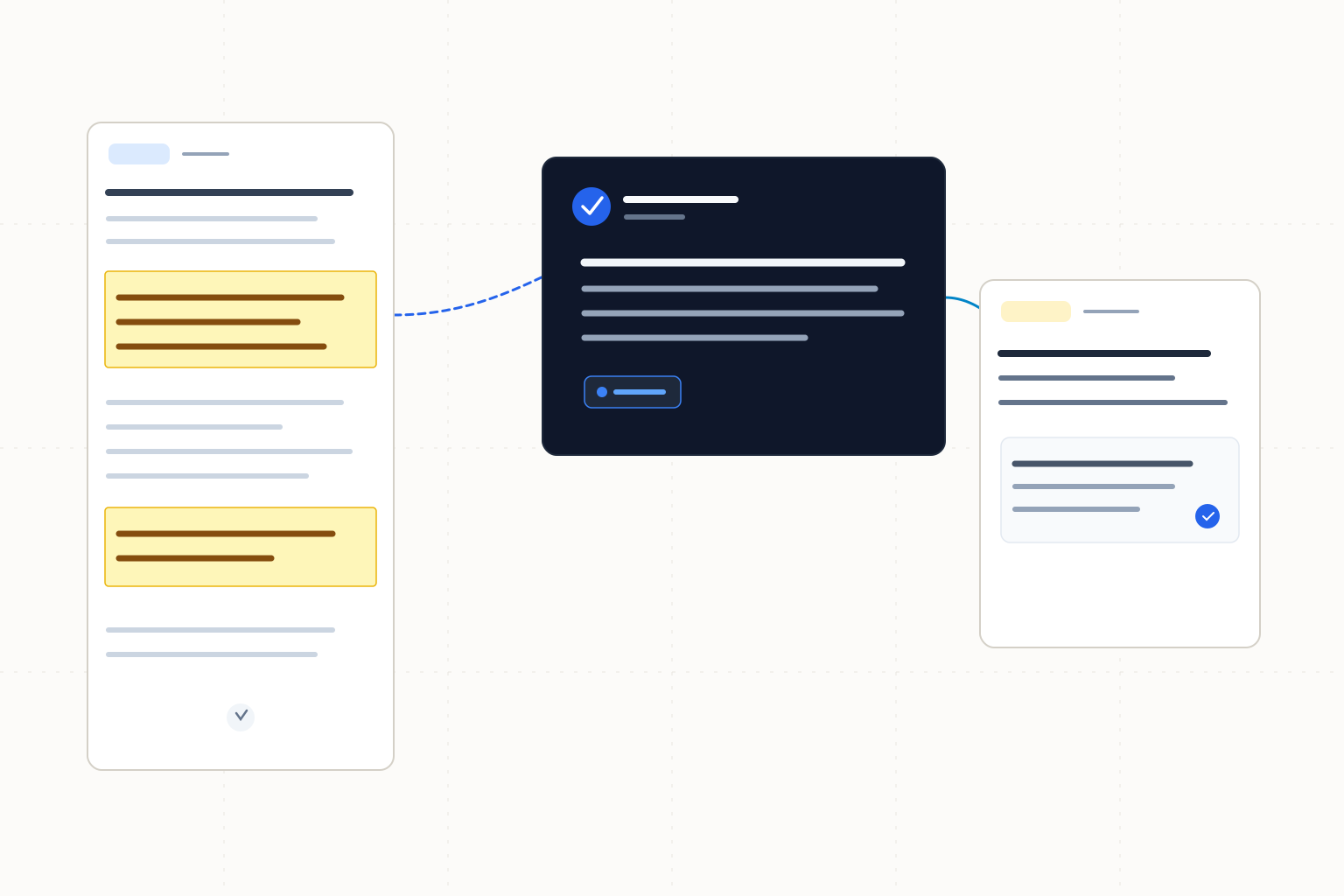
Gemini Notebook leads for questions across a chosen source set. ChatPDF suits side-by-side PDF reading; Adobe provides an Acrobat-based alternative.
Gemini Notebook, formerly NotebookLM, is our first choice for asking questions across a source set you can select yourself, with quotations that open in context. Choose ChatPDF for side-by-side reading and citation links into the PDF. Adobe Acrobat AI Assistant is the Acrobat-based option: Adobe describes numbered citations that open highlighted source sections. These are source-based workflow judgments, without hands-on accuracy comparisons.
The ranking
| # | Tool | Best for | Score | Starts at |
|---|---|---|---|---|
| 1 | Gemini Notebook | Questions across a selected set of sources | 92/100 | Free Standard; paid and bundled plans available, standalone paid price unverified. Source: Google plan help, checked 2026-10-26. |
| 2 | ChatPDF | Reading the PDF beside the conversation | 89/100 | Free; Plus available, current paid amount unverified. Source: ChatPDF official site, checked 2026-10-26. |
| 3 | Adobe Acrobat AI Assistant | Citation navigation within an Acrobat workflow | 79/100 | Current paid amount unverified; confirm eligible access or add-on terms. Source: Adobe AI usage-policy help, checked 2026-10-26. |
Leaderboard Score is our editorial judgment out of 100, weighted by the criteria below. Compare scores within this ranking; different categories use different priorities.
How we score
| Criterion | Weight | What we consider |
|---|---|---|
| Citation inspection | 35% | Documented quotations or passage navigation that let a reader investigate the support for an answer. |
| Source-set control | 30% | Documented ways to choose the documents or source subsets involved in a conversation. |
| Reading workflow | 20% | How the described interface connects a chat answer to continued reading of the source. |
| Access and commitments | 15% | Verified starting access, account requirements and the limits relevant to a document-reading session. |
Tool by tool
Gemini Notebook
Best overall · Questions across a selected set of sourcesGoogle's Gemini Notebook, formerly NotebookLM, connects answers to source quotations and lets you choose which sources inform a question. It leads when controlling the evidence set matters as much as opening a citation.
Skip it if: You specifically want ChatPDF's documented side-by-side chat and PDF interface as your reading environment.
ChatPDF
Reading the PDF beside the conversationChatPDF puts the conversation beside the PDF and links citations to their source location. Folders support conversations across multiple documents, making it a direct choice for reading and questioning a small document set.
Skip it if: Selecting or deselecting individual sources for each question is your deciding requirement; Gemini Notebook explicitly documents that control.
Adobe Acrobat AI Assistant
Citation navigation within an Acrobat workflowAdobe describes AI Assistant answers with numbered citations that open highlighted source sections. Consider its Acrobat and PDF Spaces workflow when that is already where you handle documents.
Skip it if: You need a confirmed recurring free document allowance before choosing a product.
Choose by use case
| If you need | Pick | Why |
|---|---|---|
| Compare answers across selected documents | Gemini Notebook | Sources can be selected or deselected for a question, with quotations opening in context. |
| Keep a PDF visible beside a chat | ChatPDF | The documented side-by-side interface scrolls to the PDF source when a citation is clicked. |
| Stay in an existing Acrobat document workflow | Adobe Acrobat AI Assistant | Adobe describes numbered citations that open highlighted source sections in its workflow. |
Choose the evidence set before asking the question
Gemini Notebook ranks first because source selection and contextual quotations work together. A question about one policy should not silently become a question about every policy you have uploaded. Google documents selecting or deselecting sources for a question. ChatPDF is a close alternative when the priority is reading the PDF beside the conversation, with folders for multi-file discussions. Adobe's documented Acrobat workflow is relevant to an existing Acrobat user, although its access commitments need checking.
We compared published workflow descriptions and access information checked on October 26, 2026. Scores express the weighted priorities above. We did not compare answer accuracy or establish that any product reads every relevant element of every PDF.
A useful citation opens the evidence you need
A document title tells you where an answer might have come from. A quotation or highlighted section gives you a smaller piece of text to examine. Neither proves that the answer follows from it.
Google's citation help describes direct source quotations, including text or images, with hover previews and a route to the quotation in context. ChatPDF says clicking its citations scrolls to the exact PDF source. Adobe's answer guide describes numbered citations opening highlighted sections. Those navigation paths do not promise printed page numbers or identical citation granularity.
Open the surrounding paragraph. A sentence beginning with an exception may change the meaning of the highlighted line. For a table, inspect the column heading and footnote before using the figure. If the answer combines several claims, check each separately rather than attaching one citation to the whole paragraph.
Work through a source-subset example
Suppose you have an original travel policy, a later amendment and a separate contractor handbook. First ask which reimbursement rule the original policy states, with only that source selected. Then compare it with the amendment. Keep the contractor handbook outside that comparison until you ask about contractor eligibility. This is a suggested reading procedure, not an observed product result.
In Gemini Notebook, use the documented source selectors to make those boundaries explicit. In a multi-file ChatPDF conversation, state which documents you want compared and inspect the citations to see where the answer drew its support. A folder conversation alone does not establish that every answer uses the subset you intended. For Acrobat, check the active document or PDF Space before asking a cross-document question.
Record the document version beside any extracted rule. If two passages conflict, preserve both and identify the conflict for the person responsible for the policy. Do not let a fluent summary silently choose which document governs.
Access terms and pricing provenance
All sources below were checked on 2026-10-26. A free starting point and an ongoing paid entitlement are different purchasing decisions. We omit unverified paid amounts rather than estimating a monthly rate from a bundle.
Tool | Verified starting access and commitment | Named source | Checked |
|---|---|---|---|
Gemini Notebook | Free Standard; paid and bundled plans, standalone amount unverified | 2026-10-26 | |
ChatPDF | Free, 2 documents/day; Plus amount unverified | 2026-10-26 | |
Adobe Acrobat AI Assistant | Limited complimentary requests; ongoing eligibility/add-on amount unverified | 2026-10-26 |
Google's source help lists 50 sources per free notebook, with each source up to 500,000 words or 200 MB. These limits do not guarantee that every imported element supports a usable answer. Paid capacities vary by plan. Check ChatPDF's upload-size or page conditions for a large report. Adobe's PDF Spaces limits are not quantified here.
Carry the checked passage into the next stage
Keep the exact quotation and source version with your own note explaining the conclusion. Before sharing an answer, reopen the source and verify that the qualification survived your rewrite. A citation link is a route back to the evidence, not a replacement for that explanation.
If the task becomes deciding which studies belong in a review, our literature-review comparison covers screening decisions and extraction oversight. To expand beyond the PDFs you already have, use the citation-mapping guide. The broader academic research-assistant ranking addresses paper discovery rather than a bounded PDF reading session.
Frequently asked questions
What is the best PDF chat tool for a selected set of sources?
Gemini Notebook leads this comparison because Google documents selecting sources per question and opening quotations in context. It is the current official name of the product formerly called NotebookLM. The recommendation concerns workflow fit, not measured answer accuracy.
Does a PDF citation guarantee that the answer is correct?
No. Read the cited passage with its surrounding text and check whether it supports the exact claim. A table heading or exception may change the interpretation. A document reference also does not guarantee a printed page number.
Can I try ChatPDF without an account?
ChatPDF lists 2 free documents per day and no sign-up to try. Saved history and multi-document conversations require a free account. Its current Plus price and file-size limits remain unverified in this comparison; confirm those before planning a larger workload.
Why would I choose Acrobat AI Assistant instead?
Consider it when your document work already happens in Acrobat. Adobe describes numbered citations opening highlighted source sections. Verify eligible access or add-on terms in your account; this comparison does not quote a paid amount or exact PDF Spaces capacity.
How this ranking was made
We compared the named published sources listed below, including product information and pricing. Third-party reviews inform a comparison only when cited. Scores follow the weighted criteria above. These are source-based comparisons, without hands-on testing or lab benchmarks, and no vendor paid for a position. New evidence can change a tool's score or position; ChatPDF ranks second under this article's criteria.
Changelog
- October 26, 2026Compared source quotation and PDF navigation workflows, documented access limits and calculated weighted editorial scores.
Sources
- Google Gemini Notebook citation previews and source context, checked 2026-10-26
- Google source selection, source limits and import restrictions, checked 2026-10-26
- Google Gemini Notebook plans and access, checked 2026-10-26
- ChatPDF citation navigation, folders and free access, checked 2026-10-26
- Adobe vendor-described AI answers and citation navigation, checked 2026-10-26
- Adobe AI access and usage policies, checked 2026-10-26